Why Everyone Is Using AI Image Tools: A Practical Beginner’s Guide
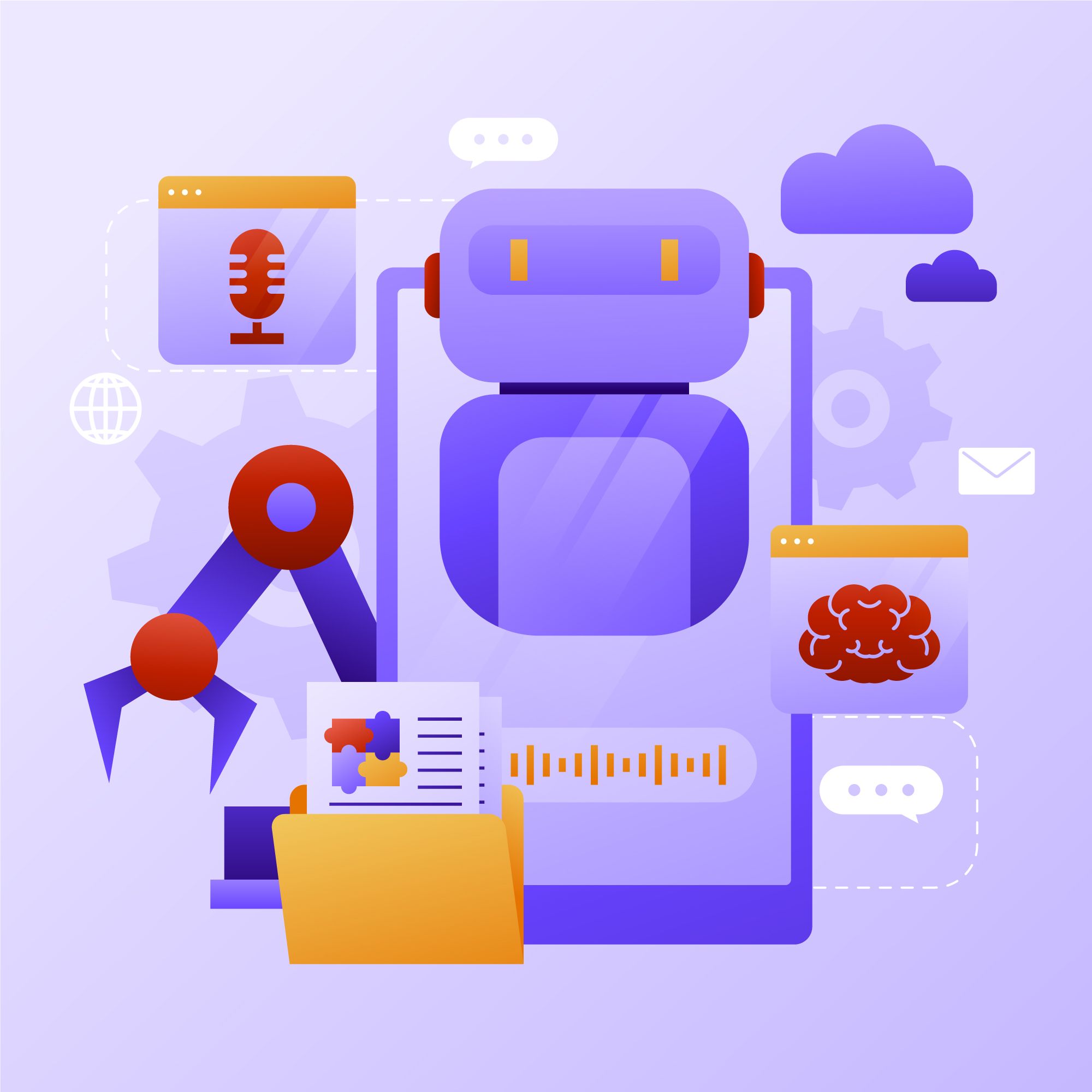
Photo by magnific @ magnific
Nowadays, you don’t need to be a graphic designer to create a professional-looking image. If you have an idea and a few minutes, that is usually enough to get started.
In this beginner-friendly guide, we’ll explain why the AI image tool has become so popular and how you can use one for social media, advertising, e-commerce, blogs, and personal projects. We’ll also cover how to choose a platform, write prompts that produce better results, and avoid common mistakes. No complicated setup or design experience is required.
Why Are AI Image Tools So Popular?
The growing popularity of AI image generators is not difficult to understand. They make visual creation faster and more accessible to people who do not have professional design or photography skills.
1. They save time
Creating a custom image traditionally may involve planning, photography, illustration, editing, and several rounds of feedback. An AI image tool can produce initial concepts in seconds. This is especially useful when you need to test several visual ideas before choosing one.
2. They lower the cost of experimentation
Hiring a photographer or illustrator is not always practical when you only want to explore an early idea. With an AI image generator, users can test product backgrounds, ad concepts, or seasonal themes before spending money. Small businesses can also produce visuals without building a large team.
3. They are easy for beginners
You do not need to understand any advanced design features to start generating images. Modern AI image generators are good at understanding everyday language. If you can explain what you want, you can create a basic prompt.
What Can You Create With an AI Image Generator?
An AI image generator like Pollo AI can support many everyday creative tasks. Here are some practical examples.
Read more: How to Embed AI in Your Organisational DNA: 5 Insights for 2025 (Part 2)
Social media images
Creators and businesses can generate Instagram posts, YouTube thumbnails, Pinterest graphics, and other social visuals. You can create images around seasonal events, trending topics, product launches, or educational content.
Product and e-commerce visuals
Online sellers can place a product in different settings without arranging a separate photo shoot for every concept. For example, you might show a water bottle on a mountain trail, in a gym, or on an office desk.
Advertising concepts
An AI image generator can help marketers explore visual directions for banners, emails, landing pages, and paid social campaigns. It is easy to compare several backgrounds, moods, and layouts before selecting an idea.
Blog and website images
Blog owners can create original featured images instead of relying entirely on common stock photos. AI can also make simple illustrations that explain a process or introduce a topic.
Character and game concepts
Game creators, animators, and writers can quickly explore characters, environments, clothing, props, and colour palettes. AI images can be useful for mood boards and early-stage planning, although final designs will usually need human editing.
Why Try Pollo AI?
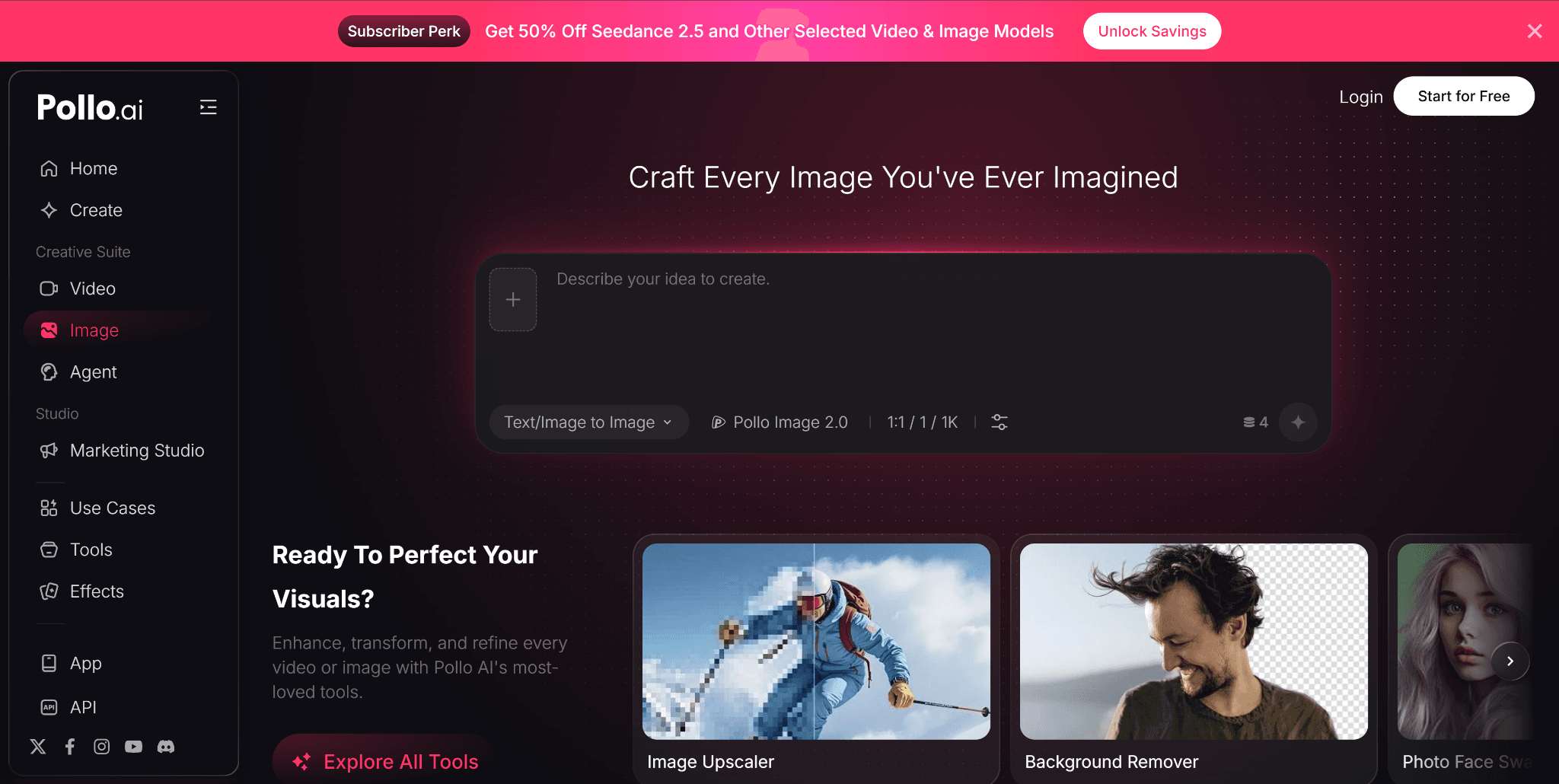
There are many AI image platforms available, but different models are often better at different tasks. One may produce strong realistic photos, while another may work better for illustrations, typography, posters, or character concepts.
Pollo AI is a useful option which brings many popular AI image tools and models together on one platform. Its available choices include GPT Image, Nano Banana, Recraft, Ideogram, Stable Diffusion, DALL-E, and more. This all-in-one approach allows you to compare different models without constantly moving between separate services. It can be particularly helpful when you are still learning what each model does best.
Pollo AI also provides access to more than 2,000 custom LoRA models. You do not need to understand the technical details to try them. Simply choose one that fits your intended look and test it with your prompt.
A Simple AI Image Creation Workflow
You can use the following process for most projects.
Step 1: Decide what the image needs to do
Ask where the image will appear and what response you want from the viewer. A blog illustration, product advertisement, and social media post each require a different approach.
Step 2: Select a suitable model
Use a model known for realistic output if you need product photography. For posters or text-heavy graphics, try a model that handles typography well. A platform such as Pollo AI makes this easier because several leading models are available in one place.
Step 3: Write your first prompt
Describe the main subject, environment, style, lighting, and composition. Include the required orientation, such as square, vertical, or landscape.
Step 4: Generate multiple versions
Do not depend on the first image. Generate several options and compare their composition, accuracy, and overall quality.
Step 5: Refine the strongest version
Choose the best result and make small changes. You may need to correct a background object, improve the lighting, or create more room for text.
Step 6: Edit before publishing
Resize and crop the image for its intended platform. Add accurate text, logos, or calls to action with a regular design editor if necessary. You should also compress website images to improve loading speed.
Final Thoughts
The AI image tool is becoming popular because it helps more people turn ideas into visuals quickly. It is useful for brainstorming, social content, online stores, advertisements, blogs, and many other projects.
The best results still depend on a clear goal and careful human review. AI can speed up the process, but your judgment is what makes the result genuinely useful.

Business
Tags: Alignment & Clarity, Artificial Intelligence, Building Functional Competencies, Business Management, Consultant Corner, Digital, Data, Brain Bulletin

Link Building & Outreach Specialist at Mr Indian Technologies, specialising in guest posting, link building, and SEO outreach.